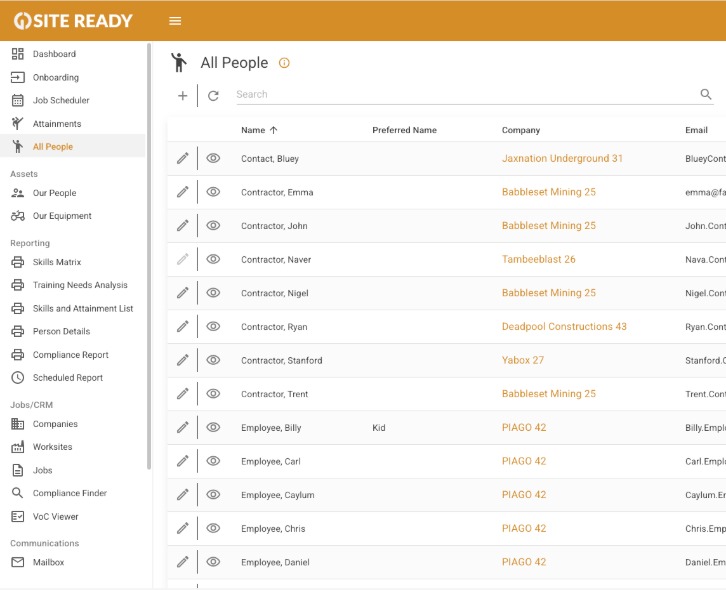
Store tickets, medicals, inductions, and qualifications
Mobile access for managers and crew
Timesheet tracking and attendance
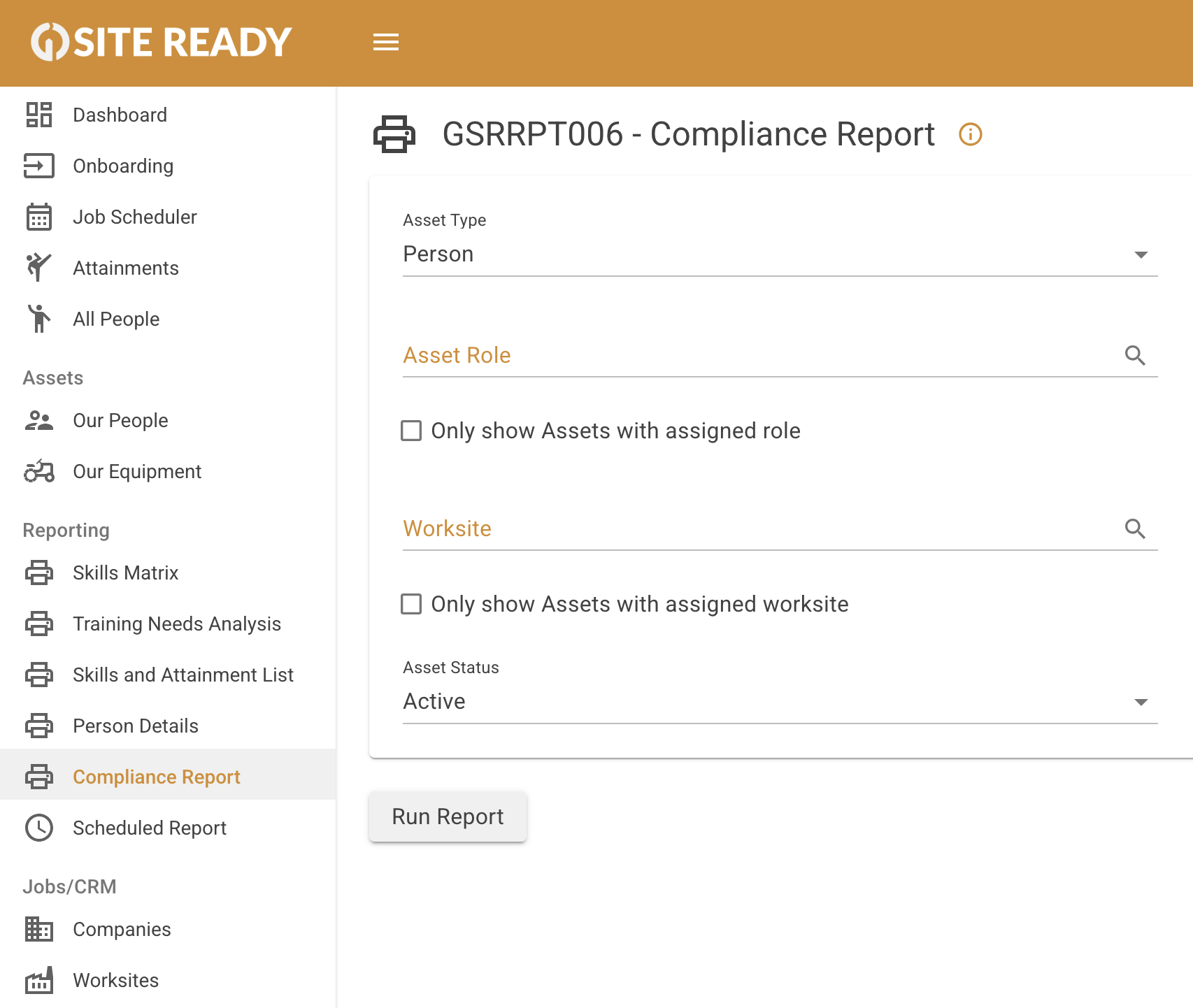
Auto-verify workers against site and job requirements
Alerts for expiring tickets and missing certifications
Instant, audit-ready compliance reports

Clear view of the upcoming week, month, or day
Reduce reshuffles and idle time
Assign workers and gear with confidence
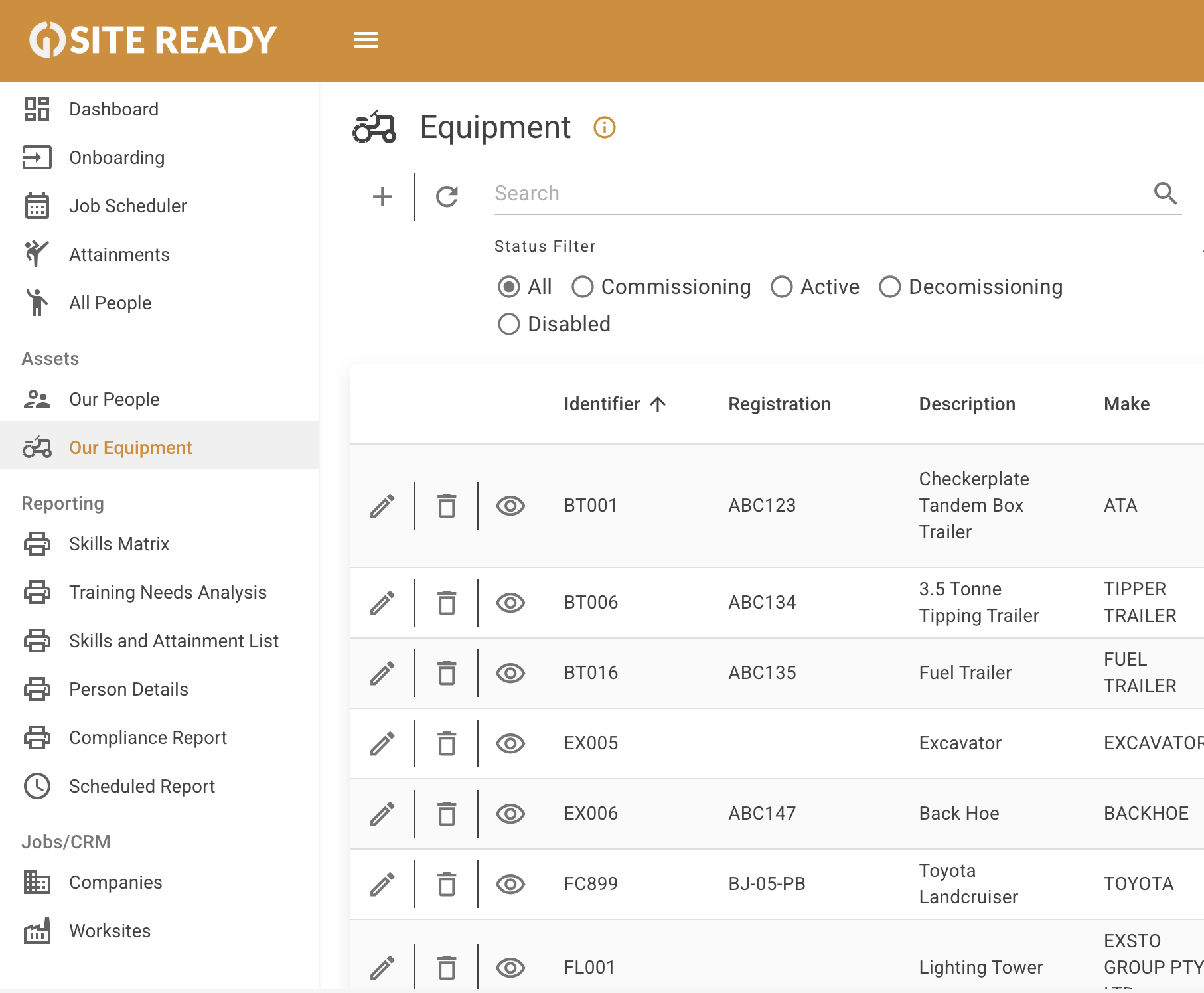
Log tools, vehicles, and equipment
Track certifications, service history, and maintenance
Receive alerts for upcoming maintenance or expiring certifications
Ensure gear is as site-ready as your crew

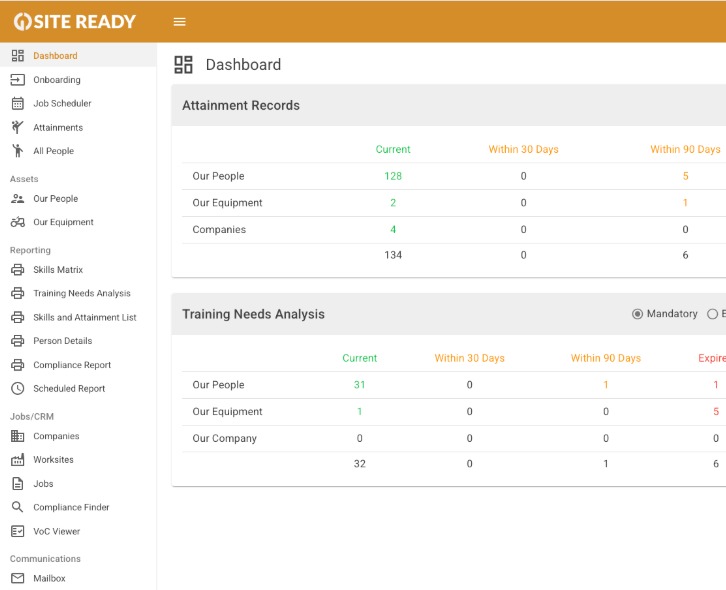
Proactive alerts to fix issues before they cause downtime
Export reports for managers, clients, or audits
Maintain complete traceability across sites
Quick setup; Up and running in under an hour
Minimal training required; intuitive interface
Customisable for any role, site, or industry
Scales from small crews to multi-site operations
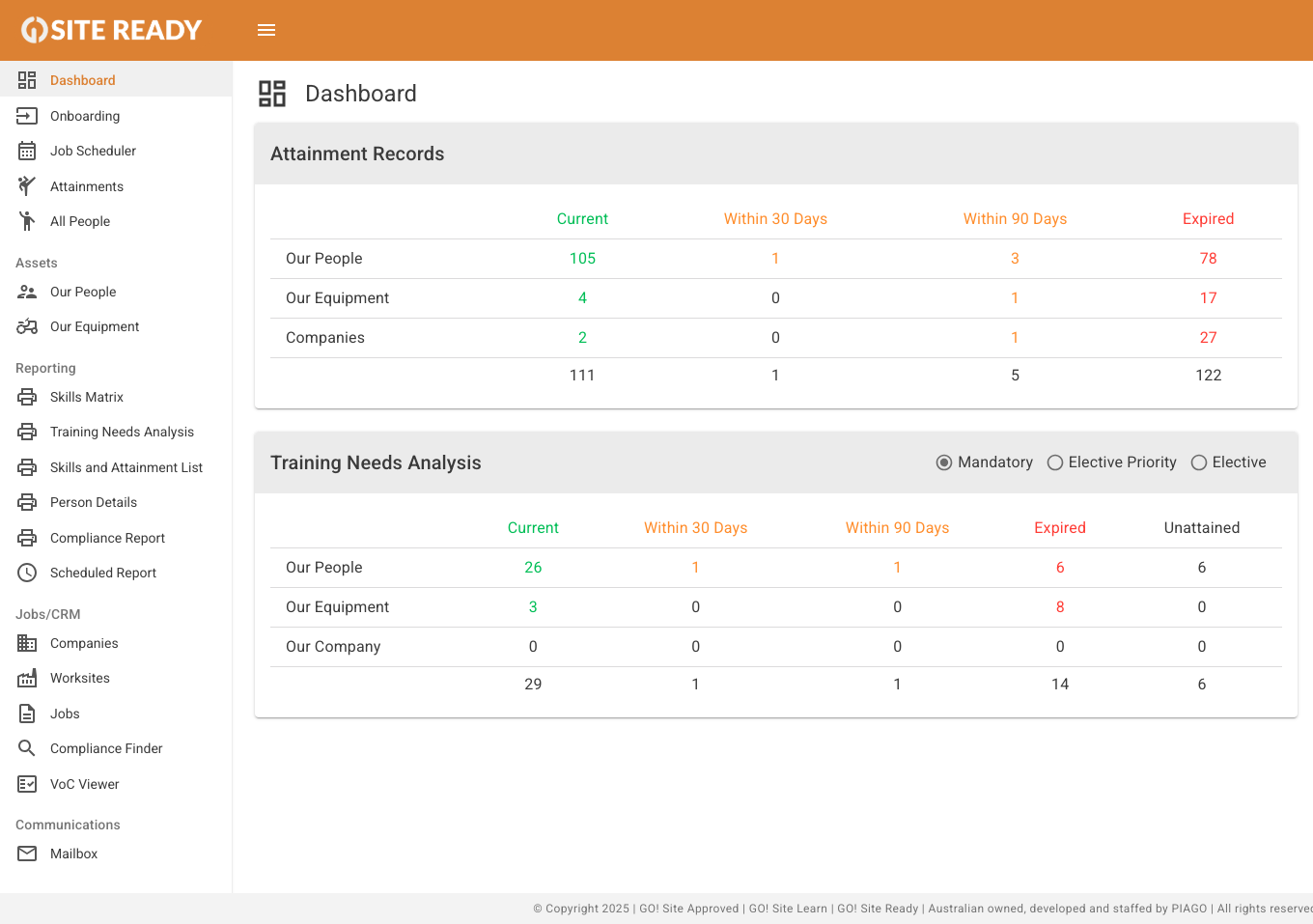
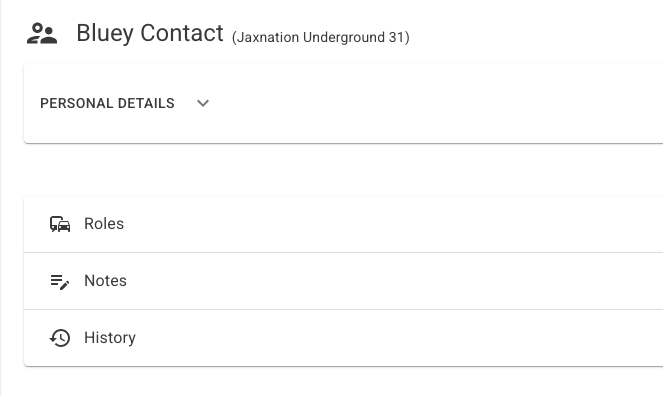
1
Add your workers in minutes. Upload their qualifications, medicals, and tickets in bulk.
2
Set compliance requirements once - the system checks everything, instantly.
3
Know exactly who's ready and available for every shift. No more guesswork.
.png)
No. GWOS is the label given to PIAGO's GO! Site Approved software for Glencore Coal Assets Australia. GO! Site Ready is a separate product by PIAGO and is NOT related to Glencore/GWOS in any way. As of Friday 9th January 5pm (AEDT), the GWOS system is currently undergoing a planned transition to a new platform. If you are a Glencore Contracting Company and have questions about the replacement to GWOS: Please refer to communications Glencore has sent to your company administration for details about the transition timeline and instructions for accessing the new system. For any further questions, contact your GCAA site administrator.
"Absolutely! Our comprehensive YouTube tutorials and detailed Knowledge base provide step-by-step guidance for both initial setup and daily operations. For more personalised assistance, our dedicated support team is readily available for calls and additional support.
Yes. You can use GO! Site Ready from your phone or tablet while online. This means you can check compliance or update records on the spot. Whether you're in your ute or at the gate.
Setup for GO! Site Ready is quick and easy. Most teams are up and running in less than a day. Once your account is created, you can start adding users and uploading requirements within 15 minutes.
GO! Site Ready is a workforce compliance and coordination platform designed for contractors in high-risk, complex industries like mining, civil, and heavy construction. It's built for mobilisation coordinators, compliance admins, and operations managers who need their crews cleared, compliant, and on-site without admin chaos.
Plans start from $AUD 49/month and scale based on the number of assets you need. There are no hidden fees, and you can cancel or upgrade at any time. We also offer a 14-day free trial.
How do I cancel a Stripe subscription? To cancel your Stripe subscription, follow these steps: Log in to your account: Go to your account dashboard where your subscription is managed. Navigate to Billing or Subscriptions: Find the section labeled “Billing,” “Subscriptions,” or similar. Select your active subscription: Click on the subscription you wish to cancel. Choose Cancel Subscription: Look for an option to “Cancel,” “End,” or “Manage” your subscription. Click it. Confirm cancellation: Follow the prompts to confirm your cancellation. You may be asked to provide a reason or confirm your choice. After cancellation, you’ll typically retain access until the end of your current billing period. If you have any issues or need help, contact support for assistance.
Once set up, GO! Site Ready automates compliance checks, tracks expiring licenses and certifications, and lets you assign jobs with ease. Most users save several hours per week per project because they're not chasing paperwork or re-keying information.
No. GO! Site Ready is built for busy contractors, not software developers. The interface is simple and intuitive, and most teams are up and running in less than a day. Plus, you’ll find help guide videos accessible through any of the question mark icons (?), and additional context available behind every information icon (ℹ) throughout the platform to support you every step of the way.
Developed by PIAGO alongside our sister platform GO! Site Approved, we deliver the tools you need to stay Site-Ready at every stage.